Why spatial audio is finally worth switching to — and how to get the best experience
Spatial audio and immersive sound moved from audiophile niche to mainstream consumer tech.
Today, more phones, headphones, TVs, and streaming services support object-based audio formats like Dolby Atmos and MPEG-H, delivering a three-dimensional listening experience that changes how music, movies, and games feel.
What spatial audio does differently
Traditional stereo places sound on a left-right plane. Spatial audio places sounds around and above you, creating a sense of space and depth. That means a helicopter can feel like it’s passing overhead, or an orchestra can fill the room instead of sounding like it’s coming from two speakers.
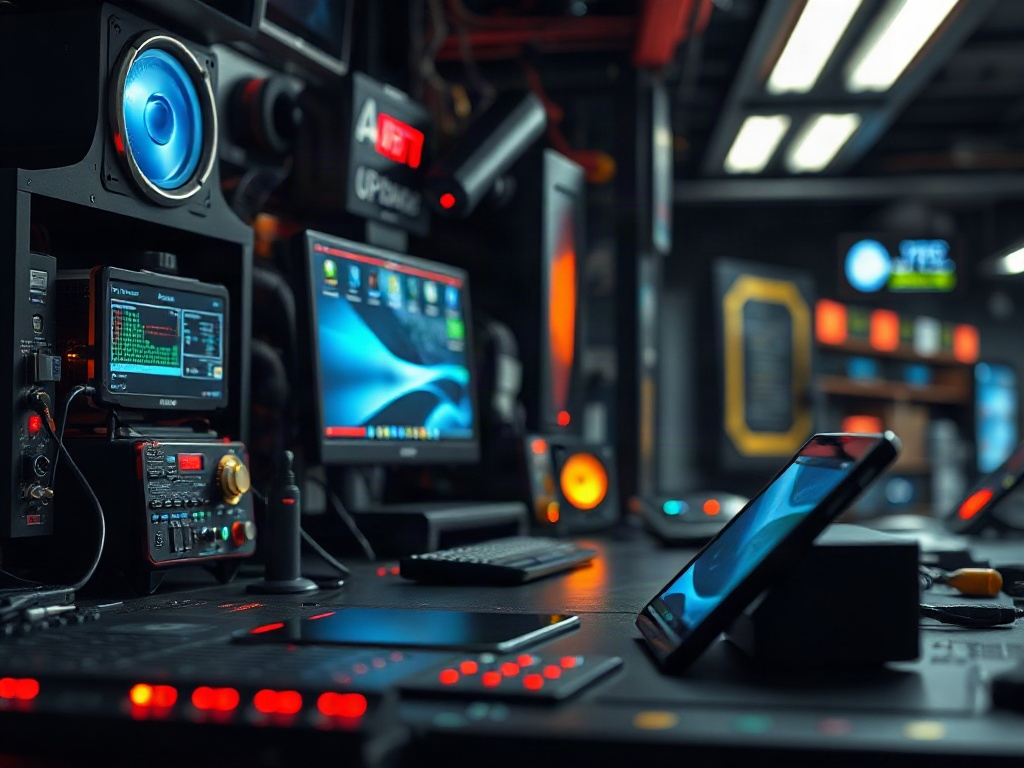
Where you’ll encounter spatial audio
– Headphones and true wireless earbuds: Many models now include head-tracking and virtualized spatial processing to simulate surround sound.
– Soundbars and AV receivers: These use upward-firing drivers and beamforming to bounce sound off ceilings for an immersive field.
– Smart TVs and streaming services: Major platforms offer Atmos tracks for select movies and shows.
– Gaming consoles and PCs: Game audio engines increasingly output object-based audio, heightening immersion and positional awareness.
How to choose the right setup
1.
Check content availability: Look for services and tracks labeled with Atmos, Dolby Audio, or similar. Not all music and video libraries have immersive mixes.
2. Match device capability with content: Virtual spatialization in earbuds can deliver convincing results, but a physical multi-driver setup (soundbar plus rear speakers) tends to be more convincing for rooms.
3. Prioritize latency for gaming: Gamers should pick wired or low-latency wireless gear and enable game-specific audio modes to avoid lag between visuals and sound.
4.
Consider head-tracking: Head-tracking keeps the soundstage anchored while you move your head. This enhances realism on earbuds that support it.
5. Think about room calibration: Good soundbars and receivers include automatic room tuning to adapt to ceiling height and furnishings, which improves the immersive effect.
Tips to improve your listening experience
– Use high-quality sources: Lossless or high-bitrate streams retain more spatial cues than heavily compressed tracks.
– Update firmware: Manufacturers often improve spatial algorithms and head-tracking through updates.
– Position speakers correctly: For multi-speaker setups, follow placement guides and run calibration.
A small shift can fix localization issues.
– Try demo tracks: Many services and manufacturers offer sample Atmos tracks—use them to audition gear before buying.
– Don’t ignore EQ: Spatial mixes can expose frequency imbalances; subtle EQ adjustments can make the soundstage clearer.
Common pitfalls and how to avoid them
– Expecting miracles from cheap hardware: Virtual spatialization can be impressive, but low-cost drivers and microphones limit realism.
– Confusing loudness with immersion: Bright, loud mixes can feel intense but may lack depth and separation.
– Relying solely on marketing terms: Look for specific features like “head-tracking,” “object-based audio,” and decodable formats rather than buzzwords.
Why it matters for everyday users
Immersive sound isn’t just for home theater enthusiasts.
It can make podcasts more engaging, music more enveloping, and games much more immersive. As hardware and content ecosystems continue to improve, spatial audio is becoming a standard way people experience media—one that enhances emotional impact and situational awareness.
If you’re upgrading audio gear, prioritize compatibility with the content you actually use, test with head-tracked demos if possible, and pick a solution that fits your space and listening habits. The right combination will transform familiar tracks and movies into experiences that feel fresh and alive.
