Smart home security and privacy: practical steps that actually work
Smart speakers, cameras, thermostats and door locks deliver convenience, but they also expand the attack surface for privacy invasions and network compromises. The good news: a few deliberate changes protect data and devices without sacrificing functionality. Follow these practical, evergreen steps to harden a smart home setup.
Start with the network
– Use a modern router with automatic firmware updates and strong WPA3 encryption when available. If the router supports scheduled or automatic updates, enable them to patch vulnerabilities promptly.
– Create separate networks: one for trusted devices (phones, laptops), one for IoT devices (cameras, smart plugs), and a guest network for visitors.
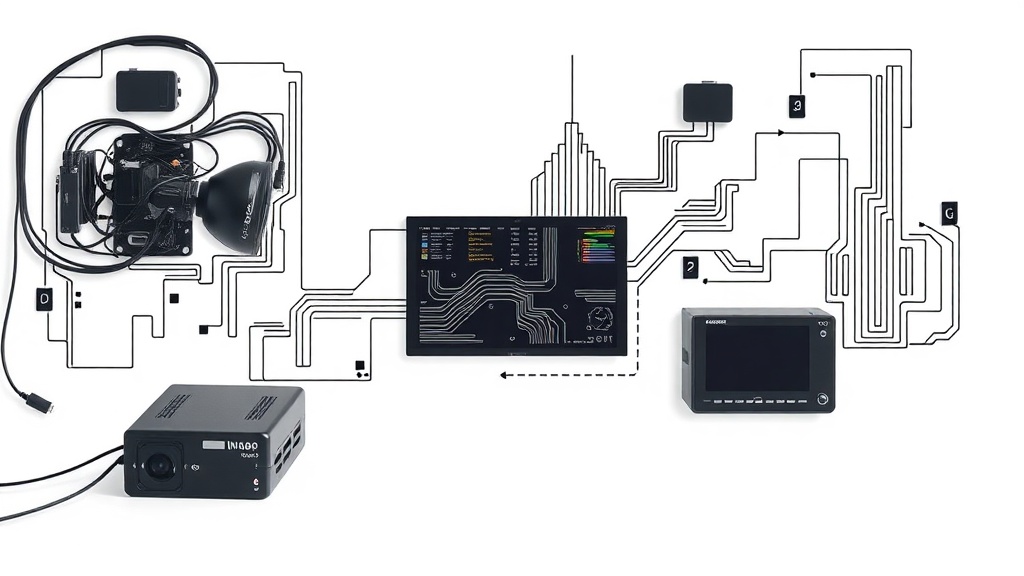
Segmentation limits lateral movement if a device is compromised.
– Turn on the router’s firewall and disable legacy protocols like WPS and UPnP unless a specific device requires them. These services can be exploited to gain unauthorized access.
– Consider a mesh Wi‑Fi system with centralized security controls if coverage is an issue. Some systems include built‑in threat detection and device isolation.
Harden individual devices
– Change default usernames and passwords immediately after setup. Use long, unique passwords stored in a password manager rather than reusing credentials across accounts.
– Enable multi-factor authentication (MFA) on device accounts and associated cloud services.
Where supported, use hardware keys or passkeys instead of SMS-based codes.
– Disable or restrict remote access unless it’s necessary. If remote control is needed, prefer manufacturer apps that use end‑to‑end encryption, or set up a secure VPN into the home network.
– Turn off unused features like microphone or location access for devices that don’t need them.
Many smart devices have default settings that collect more data than required for core functions.
Control data and privacy
– Review each device’s privacy settings and data collection policies. Opt out of diagnostics and usage reporting if possible, or choose local data storage over cloud-based solutions.
– For cameras and voice assistants, restrict facing directions and microphone sensitivity to reduce unintended recording. Use privacy shutters on cameras when not in use.
– Be mindful when naming devices. Generic labels like “Front Door Camera” are safer than names that reveal personal information.
Maintain and monitor
– Schedule routine checks to confirm firmware and app updates are installed. Regular maintenance is one of the most effective defenses.
– Use network monitoring tools or router logs to spot unfamiliar devices or unusual traffic. Alerts for new device connections can provide early warning of intrusions.
– Replace devices that no longer receive firmware updates from the manufacturer. Unsupported hardware is a security liability.
Make smarter buying decisions
– Prioritize devices from manufacturers with transparent security practices: signed firmware updates, a reasonable patching policy, and clear privacy documentation.
– Look for local-control options where data stays within the home rather than being sent to the cloud. Open standards and community‑backed platforms often offer more control.
– Avoid impulse buys of deeply integrated platforms if privacy is a top priority. Evaluate how each product fits into an overall security strategy.
Practical protections don’t require technical mastery—small changes add up. Start with the network, lock down devices, limit data sharing, and maintain vigilance.
These steps keep smart home tech convenient while significantly reducing privacy and security risks.
